Login with GitHub
Sign in to Agent-CoreX using your GitHub account via OAuth. No password is required — GitHub handles authentication and Agent-CoreX creates or retrieves your account automatically.
Last updated: April 2026
How it works
Agent-CoreX uses Supabase Auth with GitHub as an OAuth provider. When you click "Continue with GitHub", you are redirected to GitHub's authorization page. After granting access, GitHub redirects you back to Agent-CoreX at /auth/callback, where a session is created and you are sent to your dashboard.
Sign in with GitHub
Go to the login page
Navigate to agent-corex.com/login.
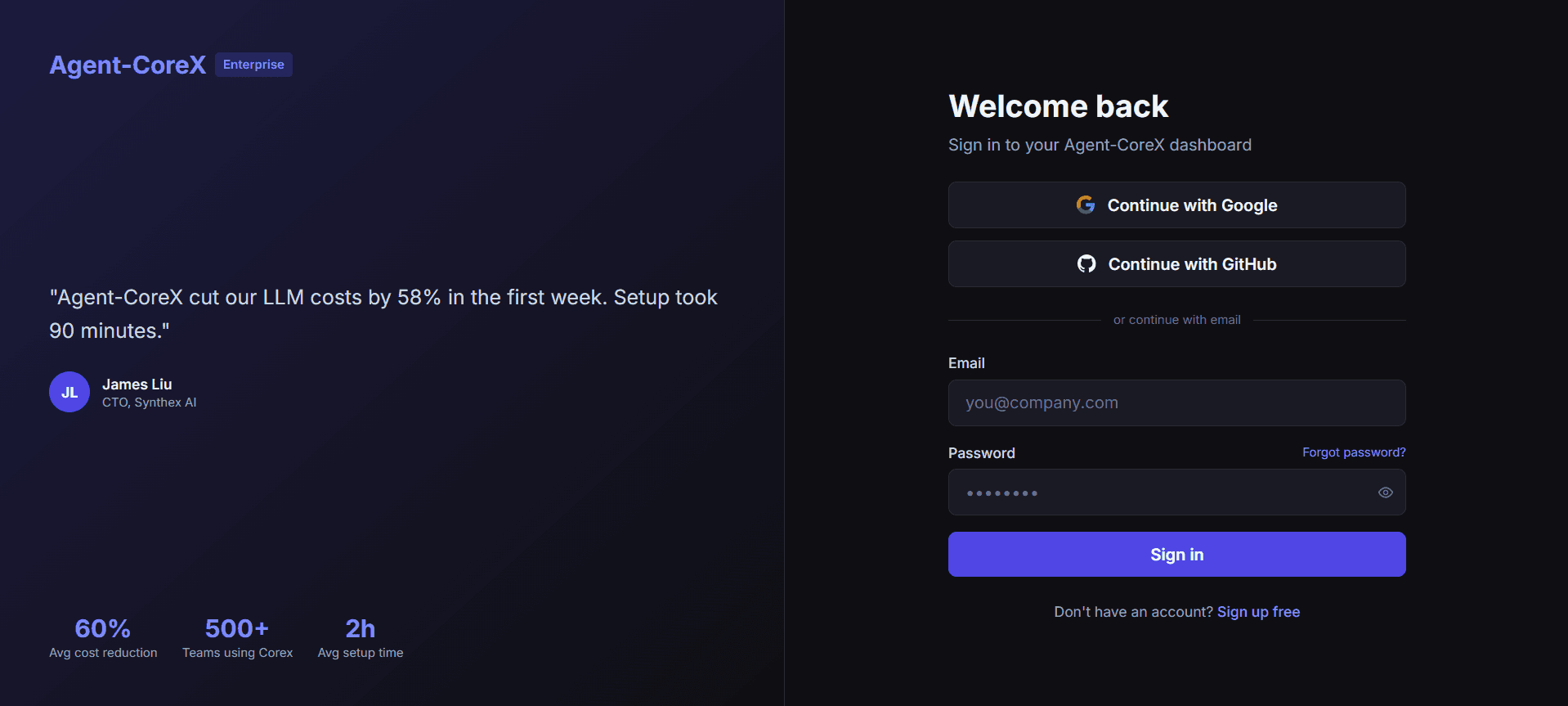
Click 'Continue with GitHub'
Click the "Continue with GitHub" button. The button shows a GitHub logo and briefly displays "Redirecting…" while the OAuth flow starts.
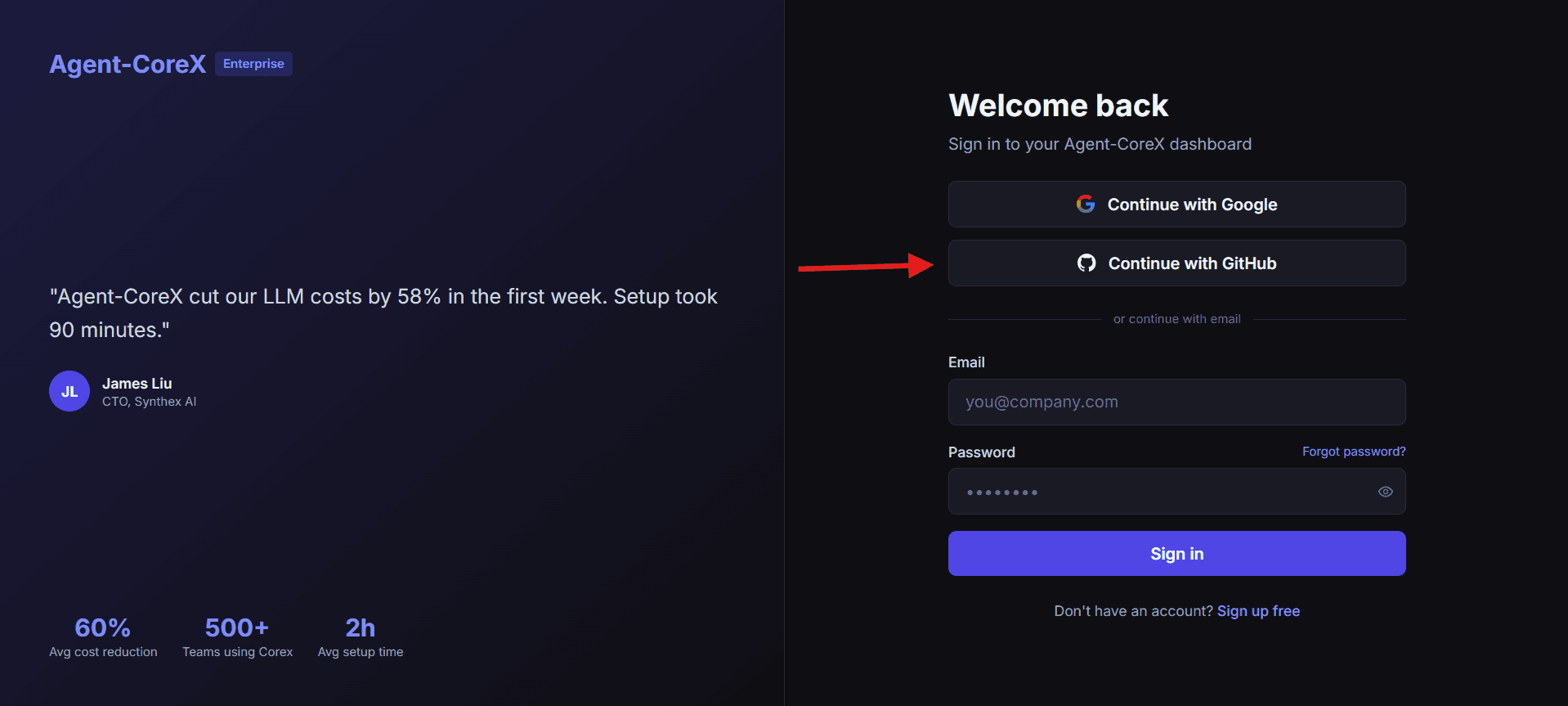
Authorize on GitHub
GitHub opens an authorization page listing the permissions Agent-CoreX is requesting (typically: read your email address and basic profile). Click "Authorize".
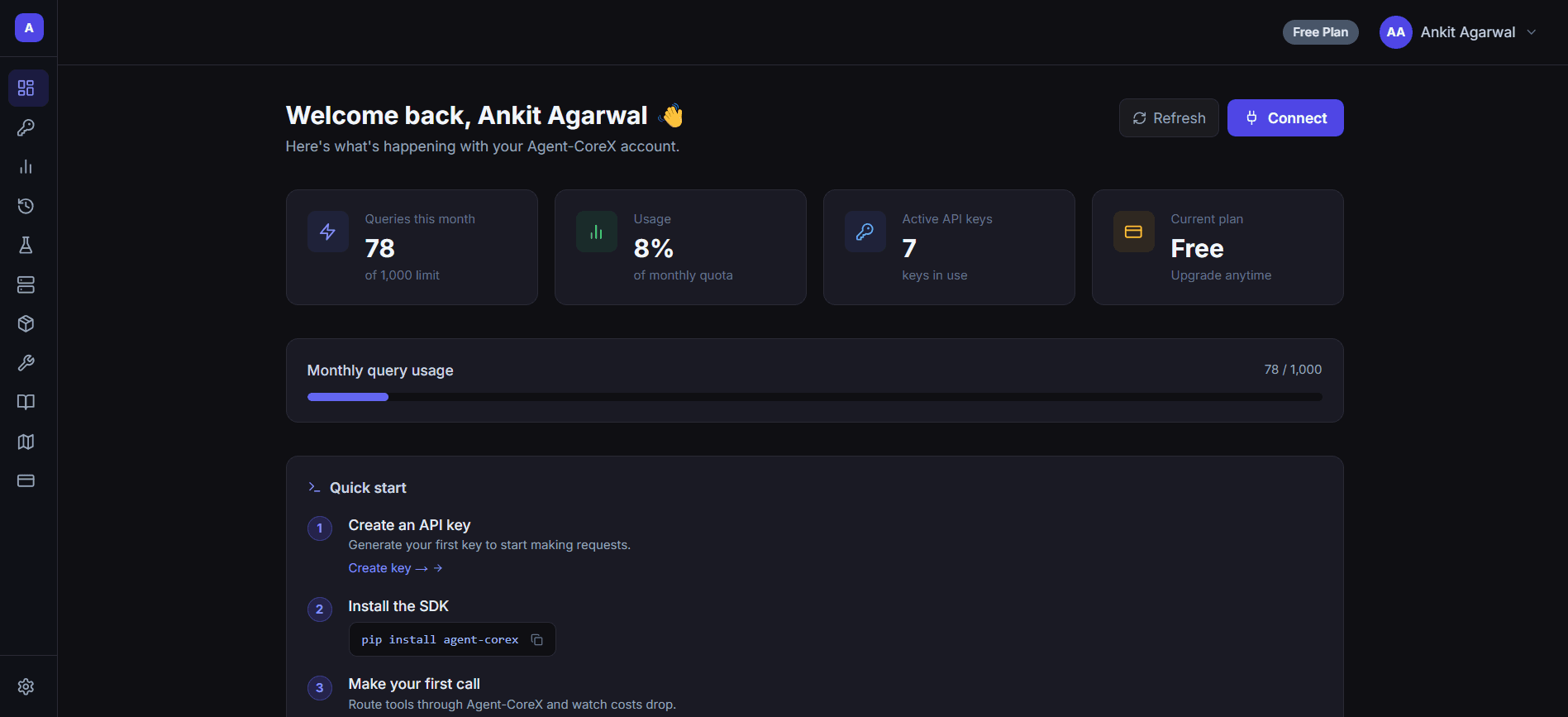
Redirected to dashboard
After authorization, GitHub redirects you to /auth/callback. Agent-CoreX creates your session and immediately redirects you to /dashboard.
Sign up with GitHub
If you don't have an Agent-CoreX account yet, the GitHub OAuth flow creates one automatically. You can also start at agent-corex.com/signup — the page shows the same GitHub button, labelled "Sign up with GitHub" instead of "Continue with GitHub". The flow is identical.
Troubleshooting
I see an "OAuth sign-in failed" error.
This appears as a toast notification when the URL contains ?error=auth_failed. Usually caused by cancelling GitHub authorization or a temporary GitHub outage. Try again — if the issue persists, check your GitHub account settings.
I'm redirected back to login instead of the dashboard.
Make sure your browser allows cookies and is not blocking third-party redirects. Agent-CoreX uses Supabase SSR session cookies.
Can I link GitHub to an existing email account?
TODO: Verify from implementation — Supabase account linking behavior for existing email addresses needs confirmation from the auth configuration.
Signed in? Your next step is generating an API key so you can start making requests. Create an API Key →